




































Home > Electronics > GT55Racing FUTABA T-FHSS TOWER ANTENNA GYRO RECEIVER V5 DSK-504B

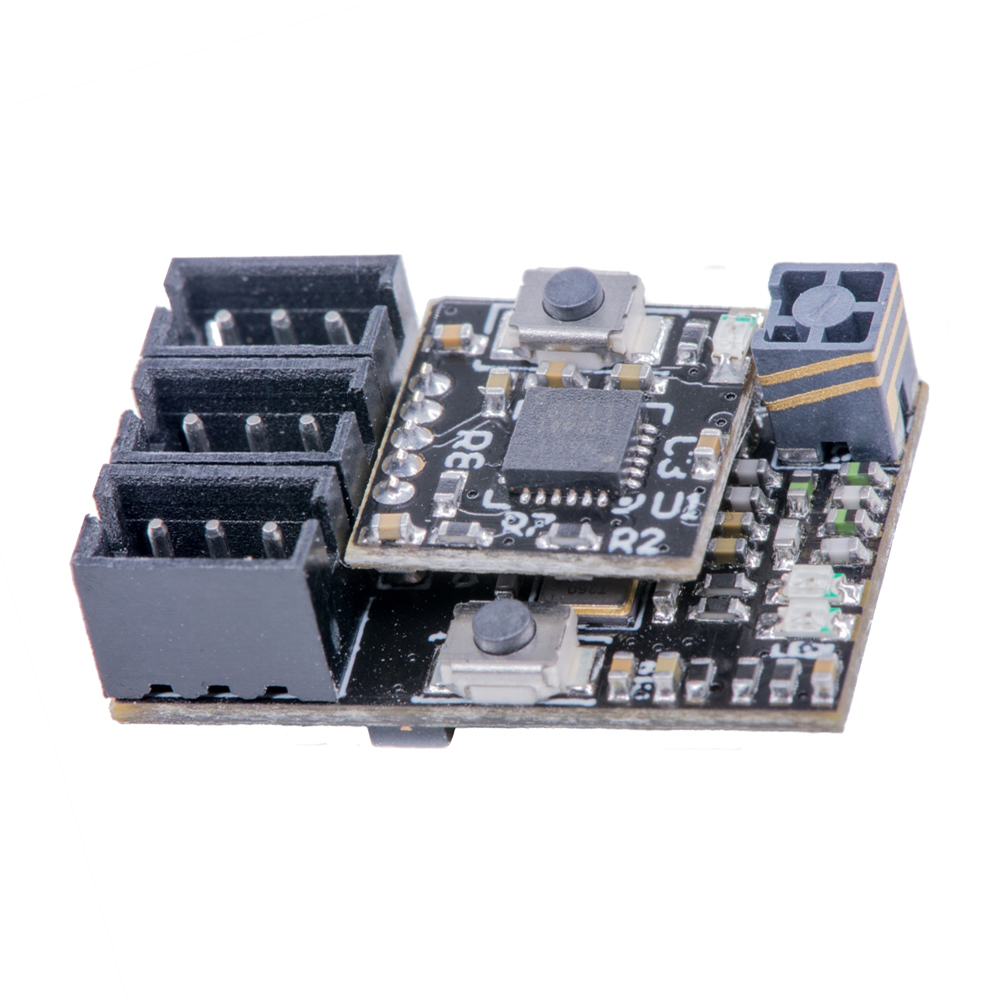
GT55Racing FUTABA T-FHSS TOWER ANTENNA GYRO RECEIVER V5 DSK-504B

SKU: DSK-504B
0.0 (0)
28 Sold
$56.90 $59.90
After successful binding
Please read the gyro setup instructions carefully and pay attention to the video demonstration
All gyro receivers have the same setup method and use the GT55 chip
Video demonstration link
Received successfully
Coupon Code
CONTINUE SHOPPING
    Please select the information you wantX
Quantity:
0 in stock
  • GT55Racing FUTABA TOWER ANTENNA GYRO RECEIVER V5
  • GT55Racing FUTABA TOWER ANTENNA GYRO RECEIVER V5
  • GT55Racing FUTABA TOWER ANTENNA GYRO RECEIVER V5
  • GT55Racing FUTABA TOWER ANTENNA GYRO RECEIVER V5
  • GT55Racing FUTABA TOWER ANTENNA GYRO RECEIVER V5
  • GT55Racing FUTABA TOWER ANTENNA GYRO RECEIVER V5
  • GT55Racing FUTABA TOWER ANTENNA GYRO RECEIVER V5
  • GT55Racing FUTABA TOWER ANTENNA GYRO RECEIVER V5
  • GT55Racing FUTABA TOWER ANTENNA GYRO RECEIVER V5
  • GT55Racing FUTABA TOWER ANTENNA GYRO RECEIVER V5
1/1
  • GT55Racing FUTABA TOWER ANTENNA GYRO RECEIVER V5
  • GT55Racing FUTABA TOWER ANTENNA GYRO RECEIVER V5
  • GT55Racing FUTABA TOWER ANTENNA GYRO RECEIVER V5
  • GT55Racing FUTABA TOWER ANTENNA GYRO RECEIVER V5
  • GT55Racing FUTABA TOWER ANTENNA GYRO RECEIVER V5
Frequently Bought Together
more
Frequently Bought Together
  • Description
FUTABA T-FHSS TOWER ANTENNA GYRO RECEIVER V5
 
Description:
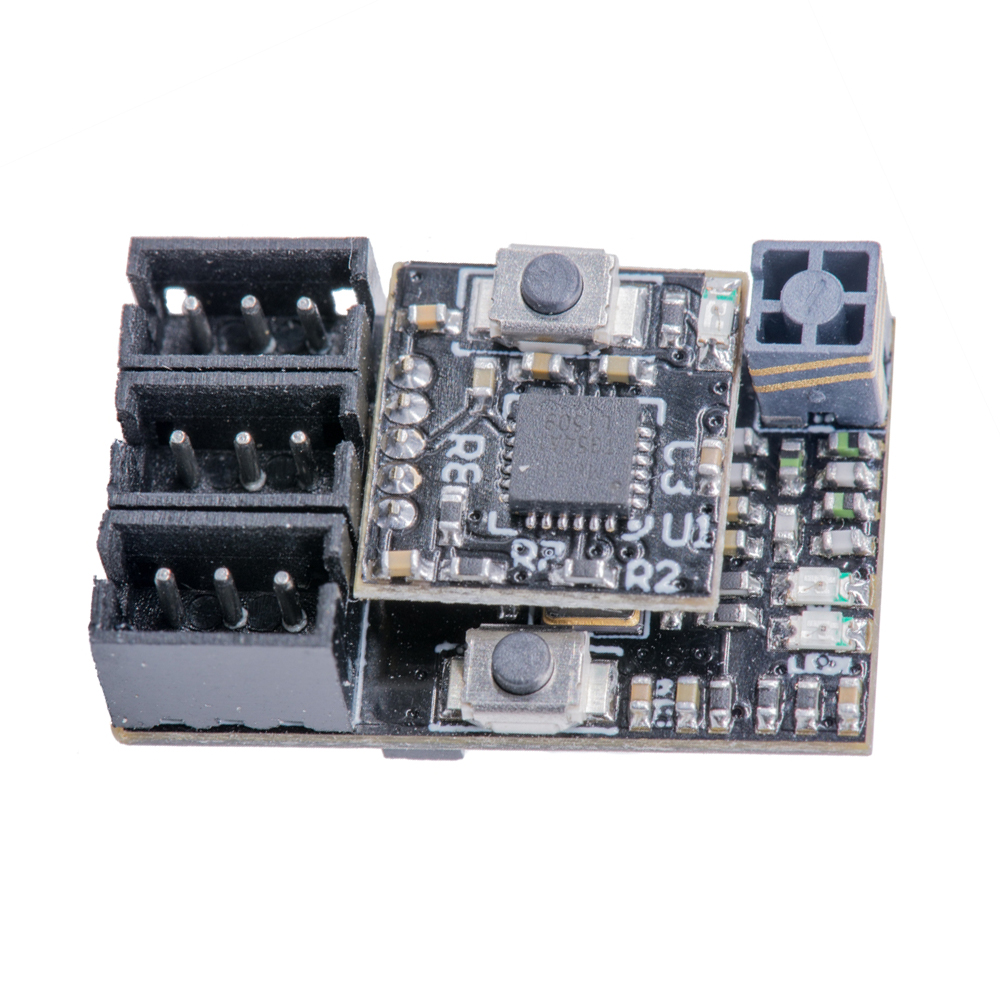
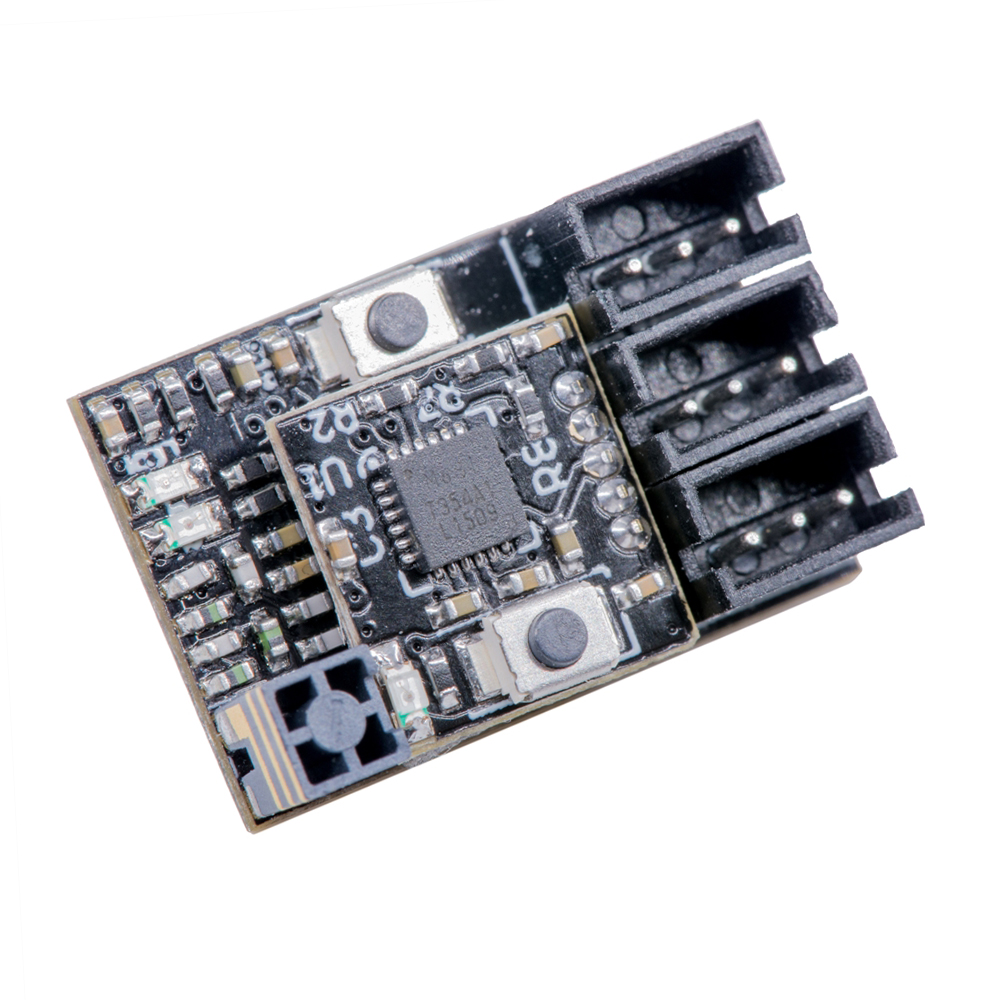
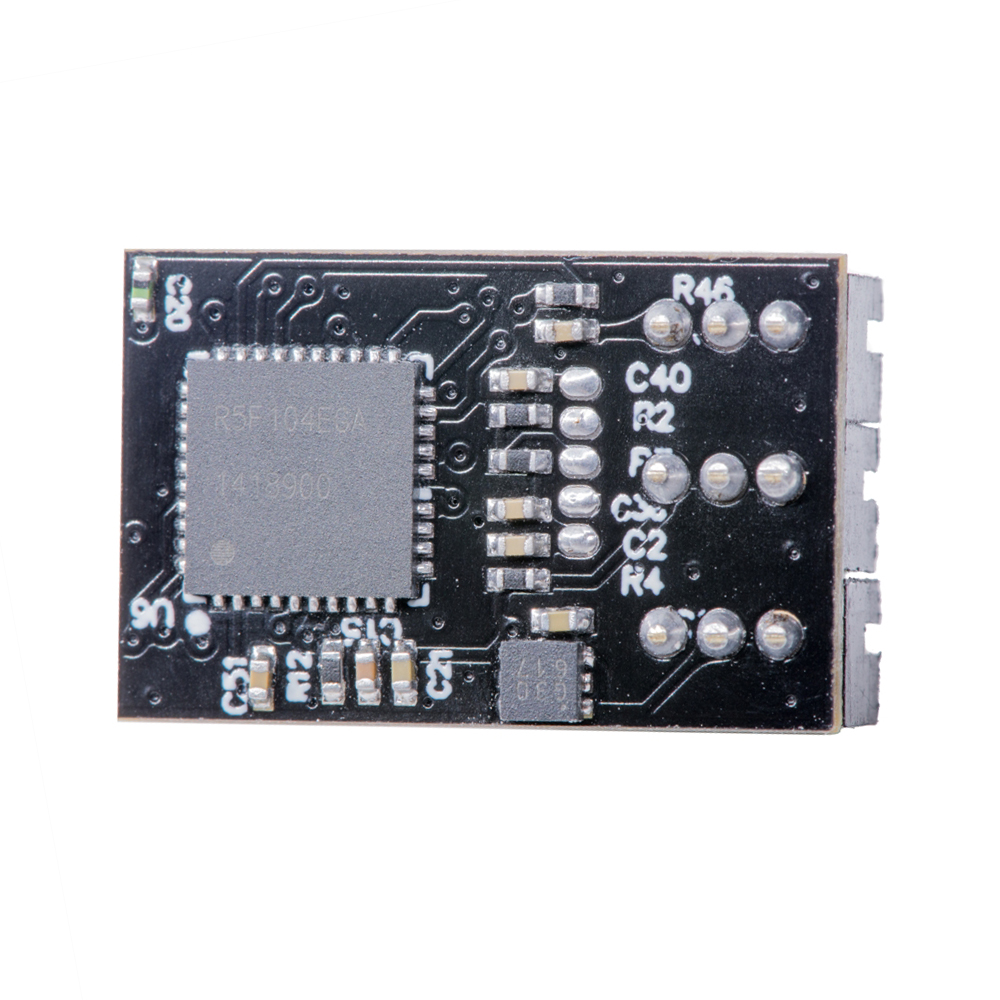
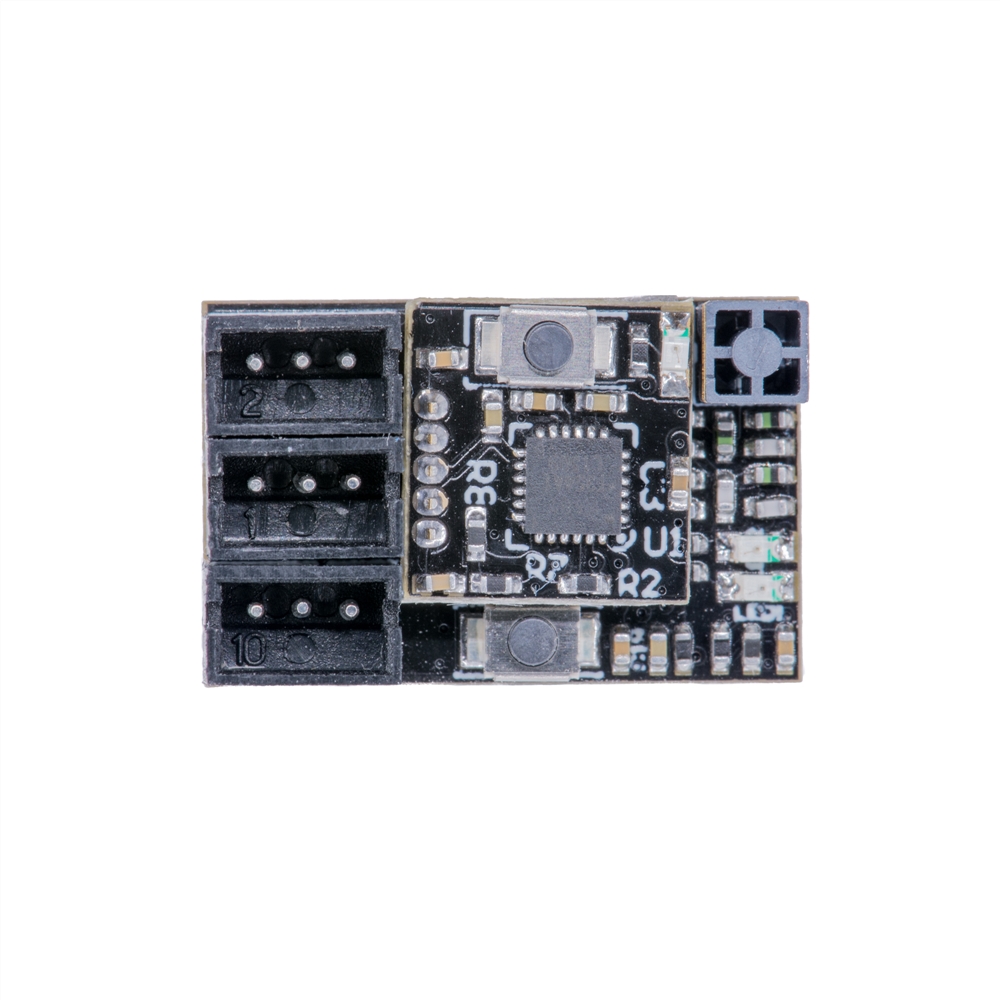
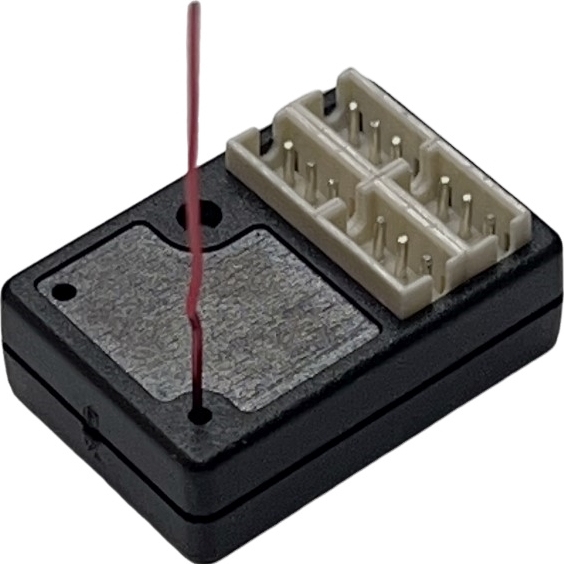
This RC receiver unit is FUTABA T-FHSS compatible. It offers full 4-channel support in ultra-light weight and micro size. It Integrate high performance dual sensitivity GYRO with EPA setup function.

Compatible Transmitters:
FUTABA 10PX
FUTABA 4PM
FUTABA 7PXR
FUTABA 7PXR
FUTABA 4PXR
FUTABA 4PX
FUTABA 4PLS
FUTABA 4PL
FUTABA 7XC
FUTABA 4GRS

 
Features:
1. Futaba 2.4GHz T-FHSS compatible
2. High performance CPU enhance precision control feeling
3. Integrated high performance dual sensitivity GYRO with EPA setup
4. Tower antenna provides both good receipt signal and space saving
5. Nano size (19mm x 12mm)
6. Added failsafe function
7. Operating Voltage 3.5V - 12V
8. Weight: 3g
 
Link Procedure:
Each transmitter has an individually assigned, unique ID code. In order to start operation, the receiver must be linked with the ID code of the transmitter with which it is being paired. Once the link is made the ID code is stored in the receiver and no further linking is necessary unless the receiver is to be used with another transmitter.
1-Place the transmitter and the receiver close to each other within half (0.5) meter.
2-Place the transmitter into the linking mode and turn on the receiver
3-During countdown, push the receiver tact switch for approximately 2 seconds. The LED will begin to blink red. After the receiver LED switches from blinking red to green - red steady light, If the transmitter and receiver are linked normally, set the power switch to the OFF position and then turn on the PWR ON position. If the receiver LED lights green, linking was succeeded. Actually check servo operation.
 
Normal mode / High Speed mode:
The‘Normal mode’accepts any type of servos or the peripheral. The "High Speed mode" only accepts the digital servos, including BLS series, and most peripheral equipment such as the brushless ESCs. Please pay special attention to the information contained within this manual and transmitter manual in order to have a pleasant running experience.
 
 
Wiring method:
Instructions:
Receiver: Connect to receiver servo channel (GYRO); ESC (CH2)

Pay attention to the operation. Please set it after the receiver is successfully bound.

Gyro sensitivity is controlled by CH3 value and can be adjusted on the transmitter. When CH3 value is 0%, sensitivity is zero. Adjust CH3 value to -100% or 100% to achieve 100% sensitivity. Adjusting CH3 value to -100% or adjusting CH3 value to 100% will have different sensitivity curves. GYRO provides 2 different optimized sensitivity curves for drift.
-100%-0% is sensitivity sensitivity,
0%-100% is relaxation sensitivity.

GYRO provides 2 different optimized sensitivity curves for drift.

1. (-100 to 0 master mode) The reaction speed is extremely fast, not suitable for novices.

2. (0 to +100 normal mode) The reaction speed is moderate, the preferred mode, we recommend this mode.

We recommend adjusting the CH3 stroke sensitivity to (between 35% and 60%)

About gyro EPA adjustment

First adjust the EPA value you need on the transmitter (left and right turn).

EPA (forward) setting:

1. Gyro forward setting

First press the gyro "SETUP" button, then turn on the ESC power switch.

The gyro LED will (first flash once → then flash slowly → flash quickly → then flash slowly) at this time release the setting key (after the slow flash, you can wait for 2 seconds before releasing it to ensure that you enter the setting mode).

First turn the remote control to the left "EPA" position (turn to the far left), stay for a few seconds, when the gyro saves the left "EPA" position, the servo automatically returns to the middle position.

Then turn the remote control to the right "EPA" position (turn to the far right), stay for a few seconds, when the gyro saves the right "EPA" position, the servo automatically returns to the middle position, and you're done.

2. Reverse setting of gyro
Press the gyro "SETUP" button first, then turn on the ESC power switch.
The gyro LED will (flash once → slow flash → fast flash → slow flash again), release the setting button at this time (you can wait 2 seconds after the slow flash before releasing it to ensure that you enter the setting mode)
First turn the remote control to the right "EPA" position (turn to the rightmost end), stay for a few seconds, when the gyro saves the right "EPA" position, the servo automatically returns to the middle position.
Then turn the remote control to the left "EPA" position (turn to the leftmost end) and stay for a few seconds. When the gyro saves the left "EPA" position, the servo automatically returns to the middle position, and the setting is completed
It is recommended to adjust the CH3 stroke sensitivity to (between 35% and 60%)

Reset the GT55 gyro (or gyro receiver)

Resetting the GT55 Gyro:
If the servo is jittering and the gyro is not functioning properly:

Press and hold the gyro's "SETUP" button, then turn on the ESC power switch.

The red LED will flash, then flash rapidly, and finally flash slowly until it stays lit (hold the button for about 40 to 60 seconds).

Turn off the ESC power and then turn it back on. The gyro will reset and restart. 
Package Included:
1 x Receiver
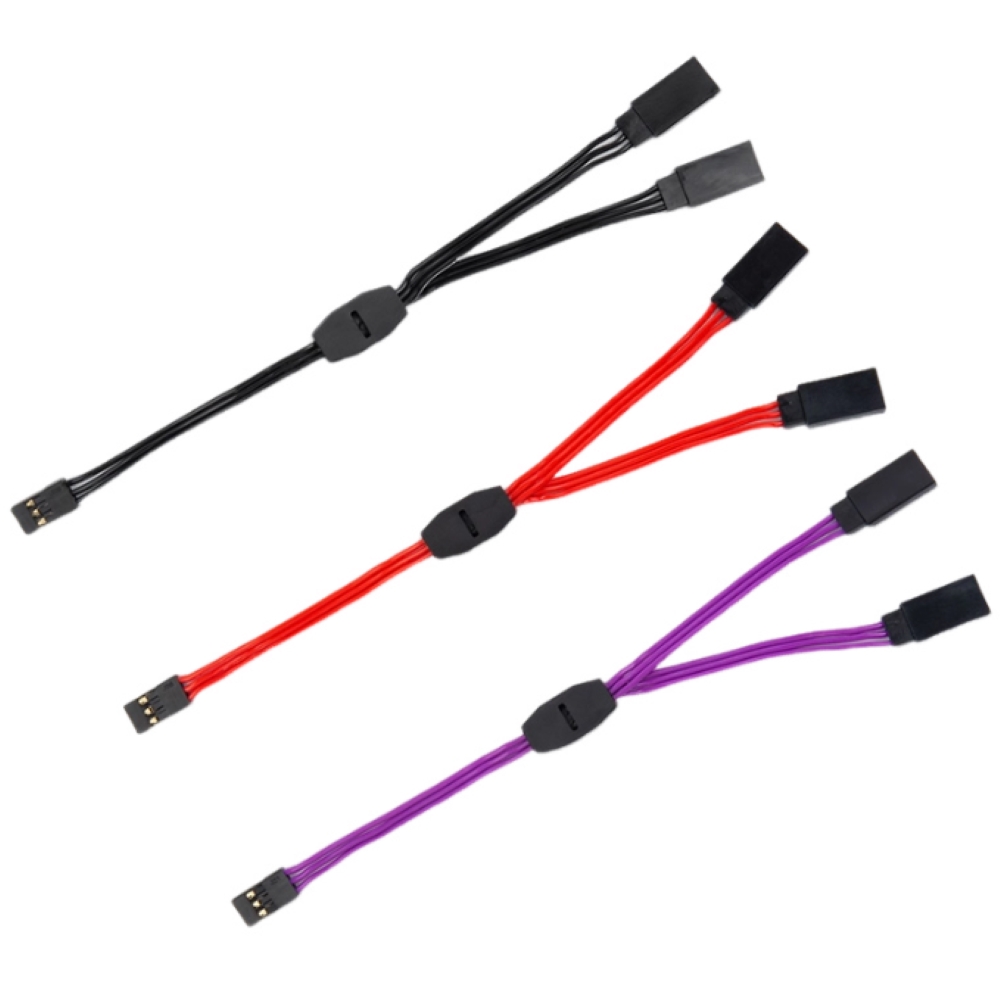
4 x 1.5mm 3P JST plug with high quality silicon cable
 
Wire Connection

CUSTOMER REVIEWS

0.0 0 Reviews
Write a review
$0.00 $0.00
Please choose options.Back to top
Close
$0.00 $0.00
Message Us