Maximum Firmware Versions Supported by Third-Party Receivers
NB4: up to version 1.0.105
NB4+: up to version 1.0.108
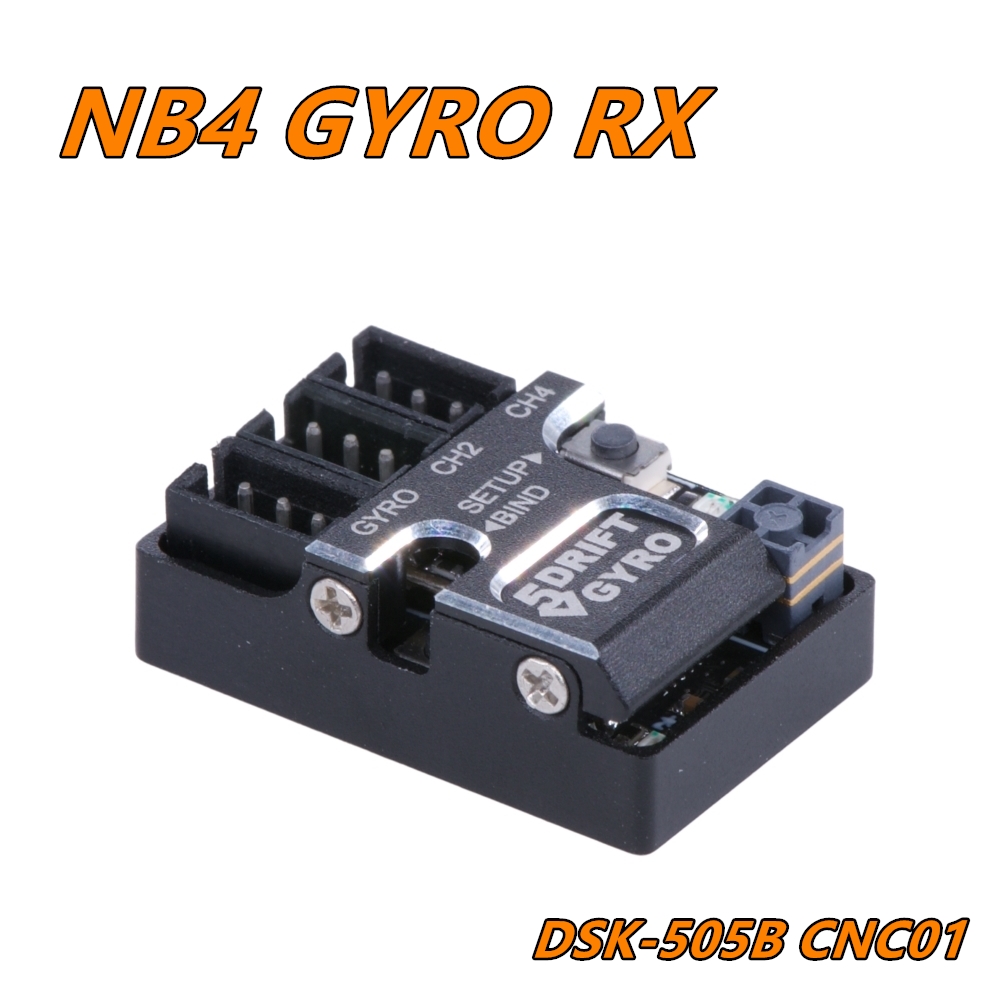
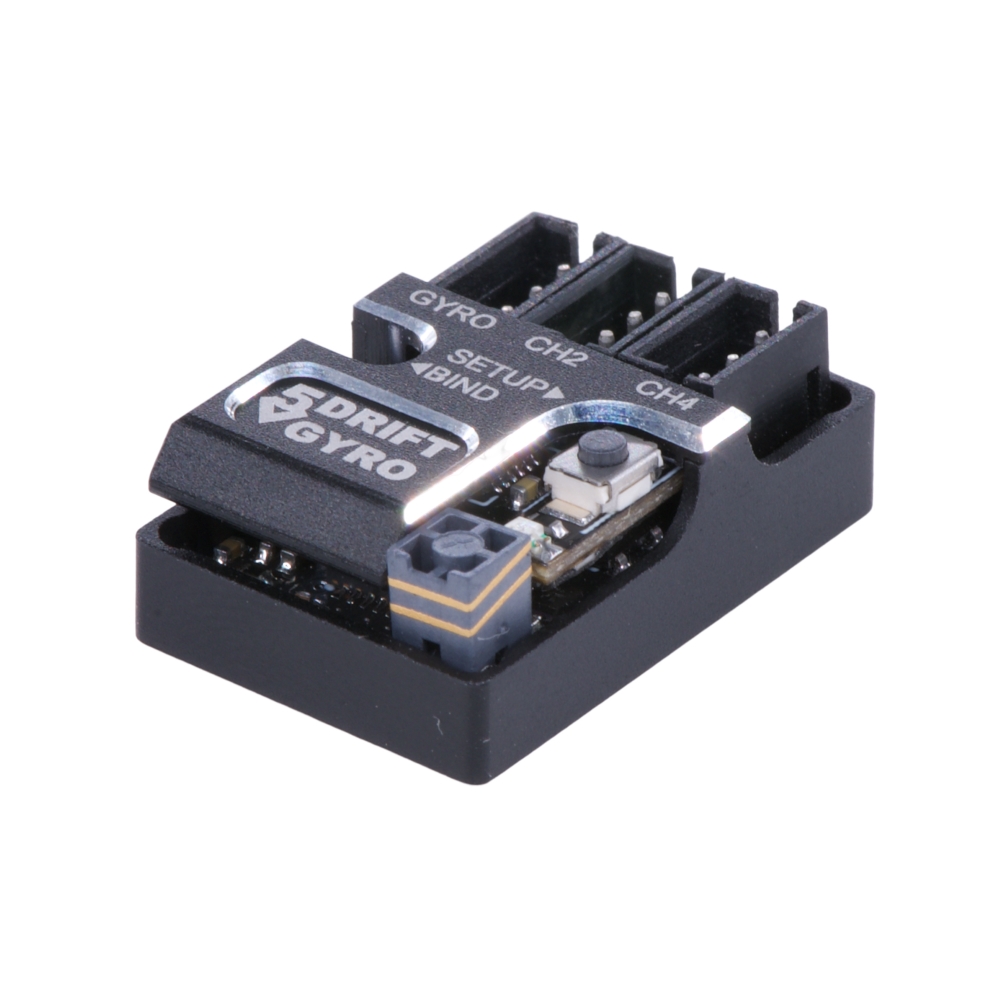
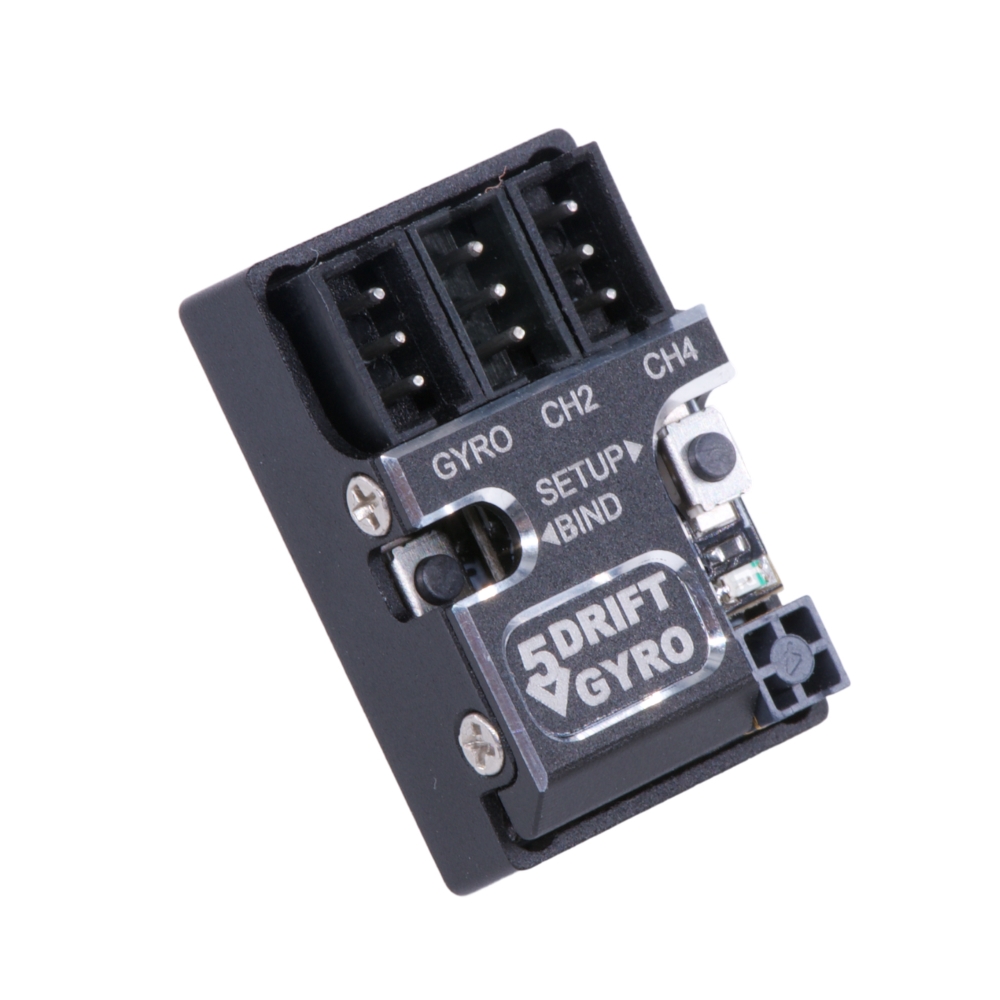
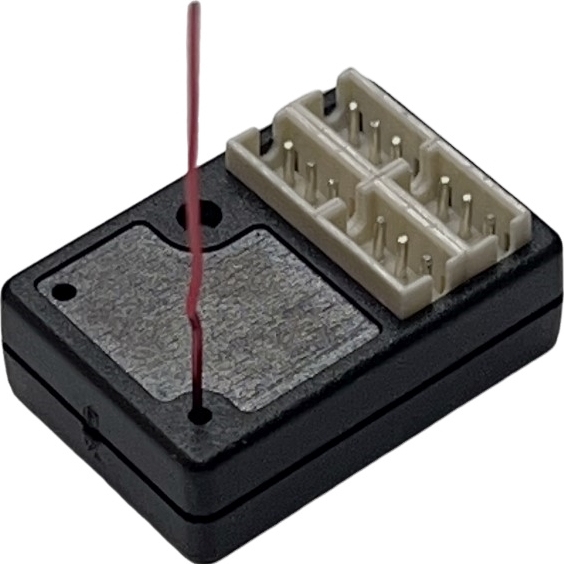
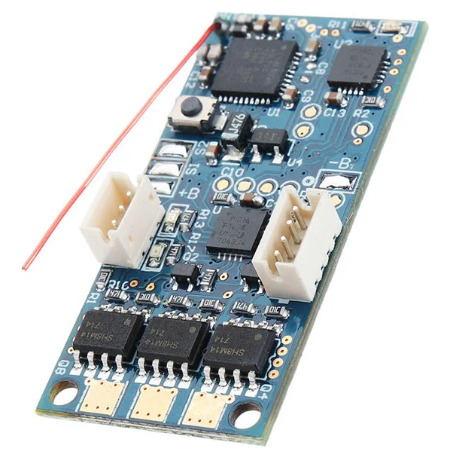
FLYSKY NB4 NANO 4CH TOWER ANTENNA GYRO RECEIVER
Description:
This 2.4G RC receiver uses AFHDS3 protocol and it is dedicated to the FLYSKY Noble NB4 transmitter. It has single-antenna, use two-way transmission and features a unique compact design that saves space.
Compatible Transmitters:
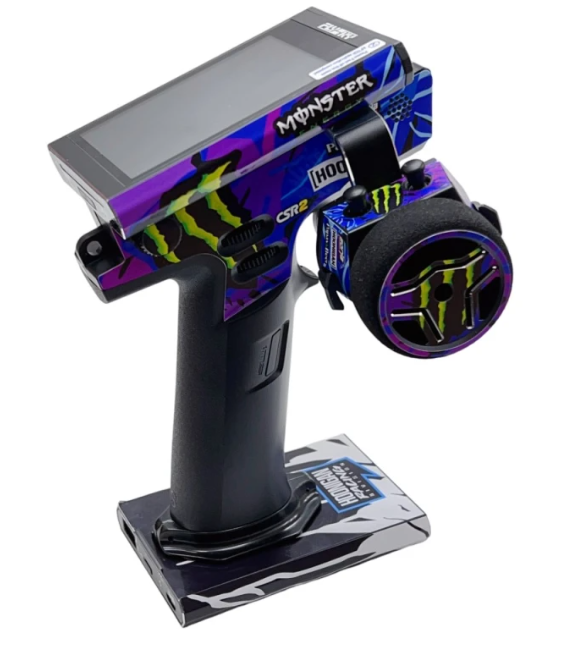
FLYSKY Noble NB4
FLYSKY Noble NB4 Pro
FLYSKY PL18
FLYSKY Noble NB4+
FLYSKY Noble NB4 Pro+
Features:
1. FLYSKY AFHDS3 protocol compatible
2. High performance CPU enhance precision control feeling
3. Integrated high performance dual sensitivity GYRO with EPA setup
4. Tower antenna provides both good receipt signal and space saving
5. Nano size (19mm x 12mm)
6. Added failsafe function
7. Operating Voltage 3.5V - 12V
8. Weight: 9g
Binding:
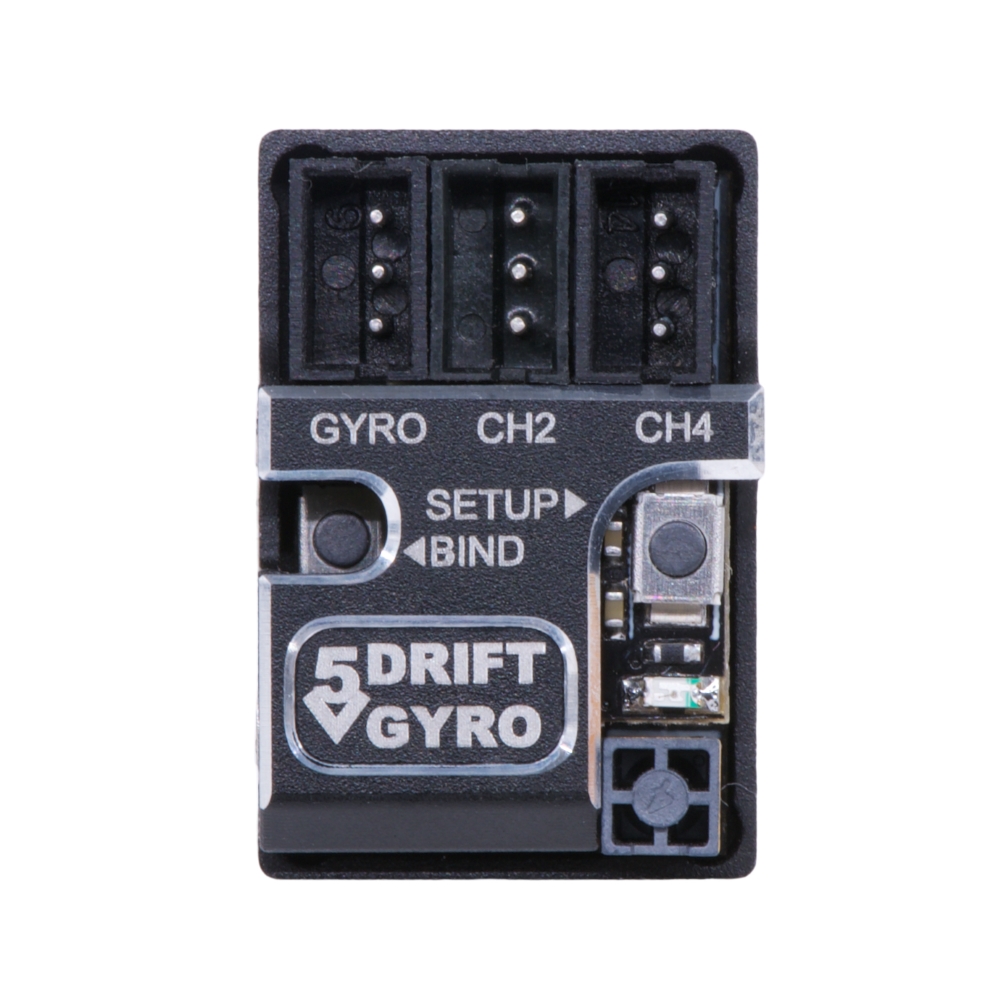
1. Press the BIND button and power on the receiver, the receiver’s led will flash quickly.
2. Put the transmitter into bind mode. The receiver’s led will flash slowly when the binding is successful.
3. Disconnect receiver’s power and reconnect the power cable to the receiver. Now is should working normally.
Wiring method:
Instructions:
Receiver: Connect to receiver servo channel (GYRO); ESC (CH2)
Pay attention to the operation. Please set it after the receiver is successfully bound.
Gyro sensitivity is controlled by CH3 value and can be adjusted on the transmitter. When CH3 value is 0%, sensitivity is zero. Adjust CH3 value to -100% or 100% to achieve 100% sensitivity. Adjusting CH3 value to -100% or adjusting CH3 value to 100% will have different sensitivity curves. GYRO provides 2 different optimized sensitivity curves for drift.
-100%-0% is sensitivity sensitivity,
0%-100% is relaxation sensitivity.
GYRO provides 2 different optimized sensitivity curves for drift.
1. (-100 to 0 master mode) The reaction speed is extremely fast, not suitable for novices.
2. (0 to +100 normal mode) The reaction speed is moderate, the preferred mode, we recommend this mode.
We recommend adjusting the CH3 stroke sensitivity to (between 35% and 60%)
About gyro EPA adjustment
First adjust the EPA value you need on the transmitter (left and right turn).
EPA (forward) setting:
1. Gyro forward setting
First press the gyro "SETUP" button, then turn on the ESC power switch.
The gyro LED will (first flash once → then flash slowly → flash quickly → then flash slowly) at this time release the setting key (after the slow flash, you can wait for 2 seconds before releasing it to ensure that you enter the setting mode).
First turn the remote control to the left "EPA" position (turn to the far left), stay for a few seconds, when the gyro saves the left "EPA" position, the servo automatically returns to the middle position.
Then turn the remote control to the right "EPA" position (turn to the far right), stay for a few seconds, when the gyro saves the right "EPA" position, the servo automatically returns to the middle position, and you're done.
2. Reverse setting of gyro
Press the gyro "SETUP" button first, then turn on the ESC power switch.
The gyro LED will (flash once → slow flash → fast flash → slow flash again), release the setting button at this time (you can wait 2 seconds after the slow flash before releasing it to ensure that you enter the setting mode)
First turn the remote control to the right "EPA" position (turn to the rightmost end), stay for a few seconds, when the gyro saves the right "EPA" position, the servo automatically returns to the middle position.
Then turn the remote control to the left "EPA" position (turn to the leftmost end) and stay for a few seconds. When the gyro saves the left "EPA" position, the servo automatically returns to the middle position, and the setting is completed
It is recommended to adjust the CH3 stroke sensitivity to (between 35% and 60%)
Resetting the GT55 Gyro:
If the servo is jittering and the gyro is not functioning properly:
Press and hold the gyro's "SETUP" button, then turn on the ESC power switch.
The red LED will flash, then flash rapidly, and finally flash slowly until it stays lit (hold the button for about 40 to 60 seconds).
Turn off the ESC power and then turn it back on. The gyro will reset and restart.
Package Included:
1 x Receiver
4 x 1.5mm 3P JST plug with high quality silicon cable
Wire Connection: